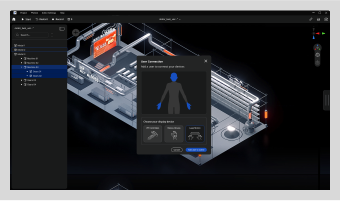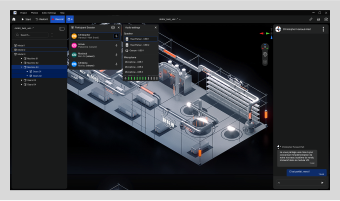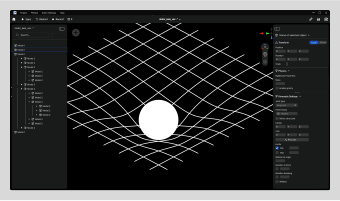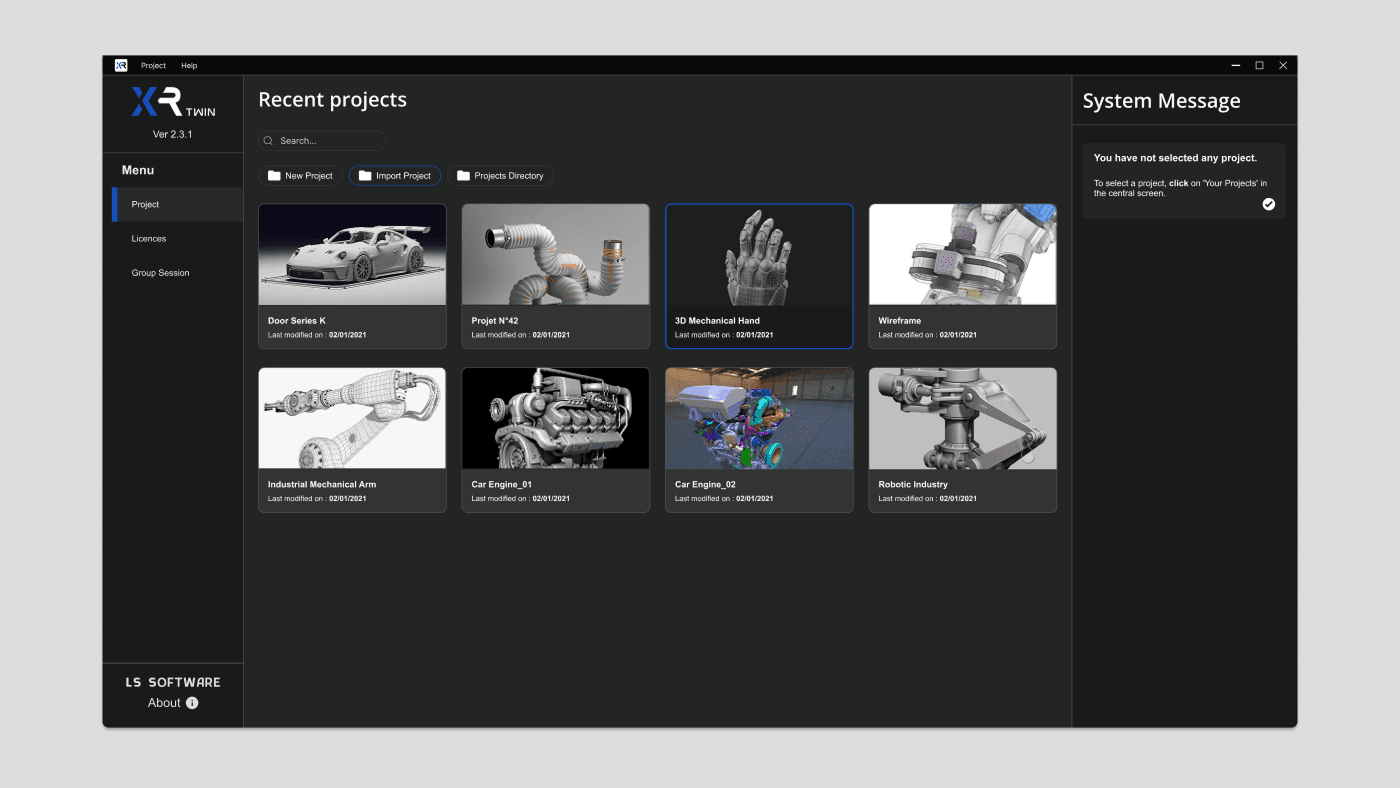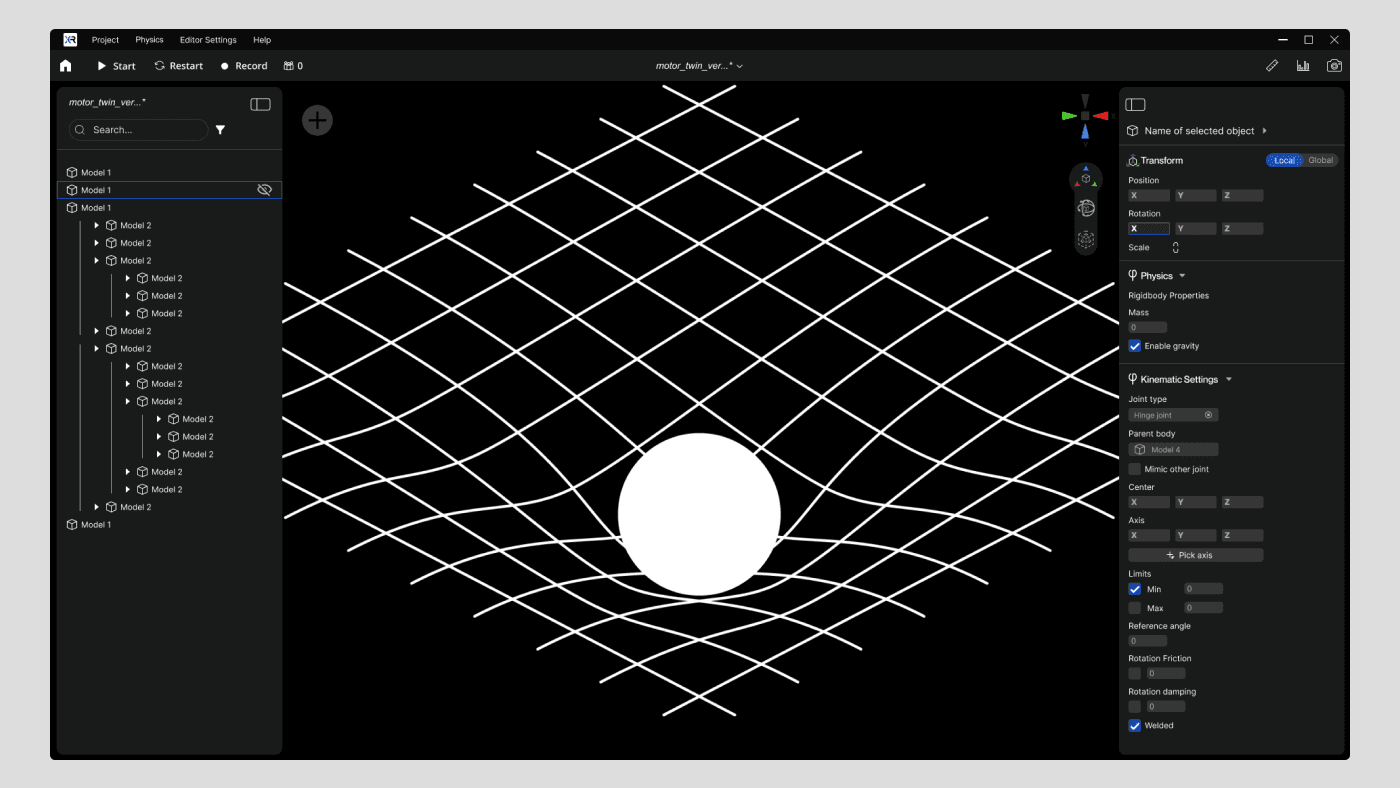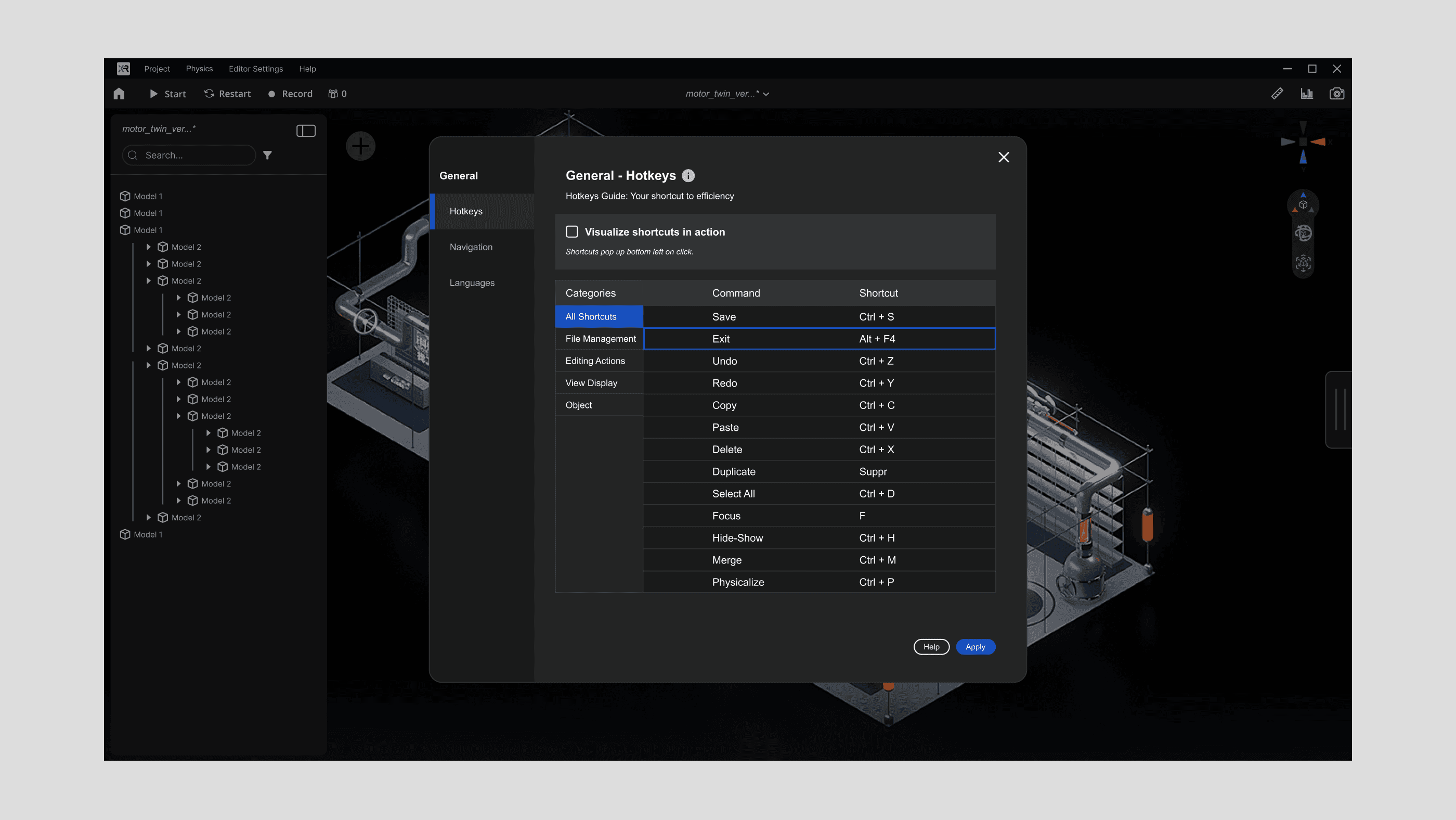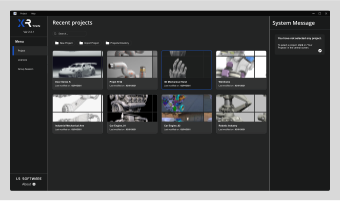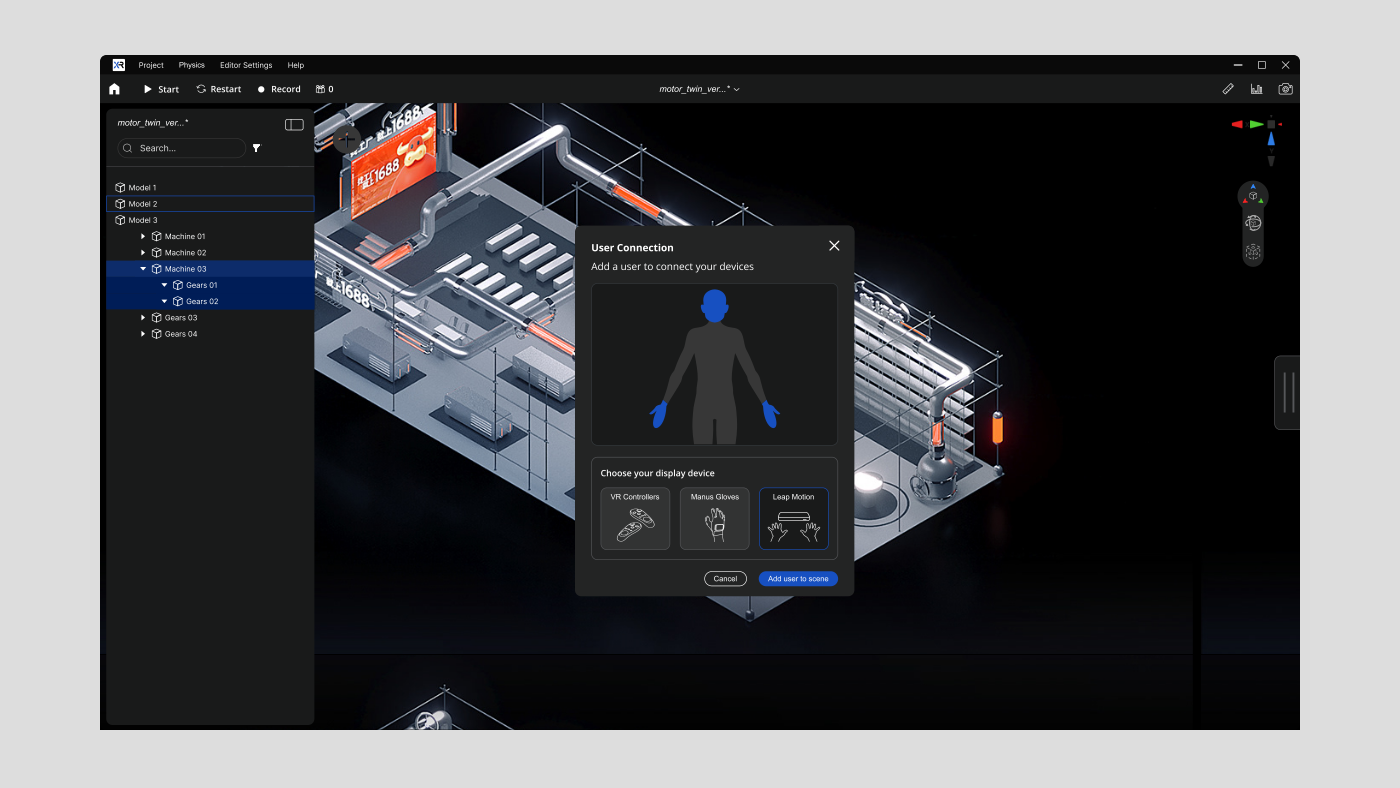
XR Twin is a standalone software designed for industrial simulation using virtual reality.

It allows users to visualize and interact with 3D/CAO models and point clouds in VR.

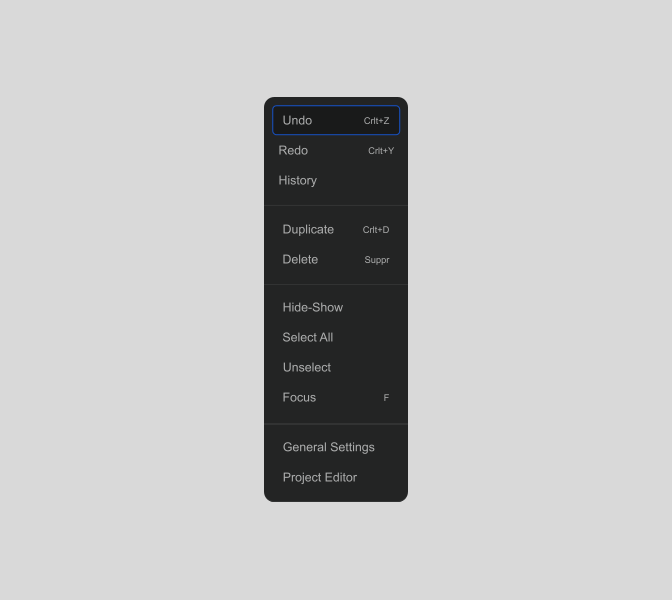
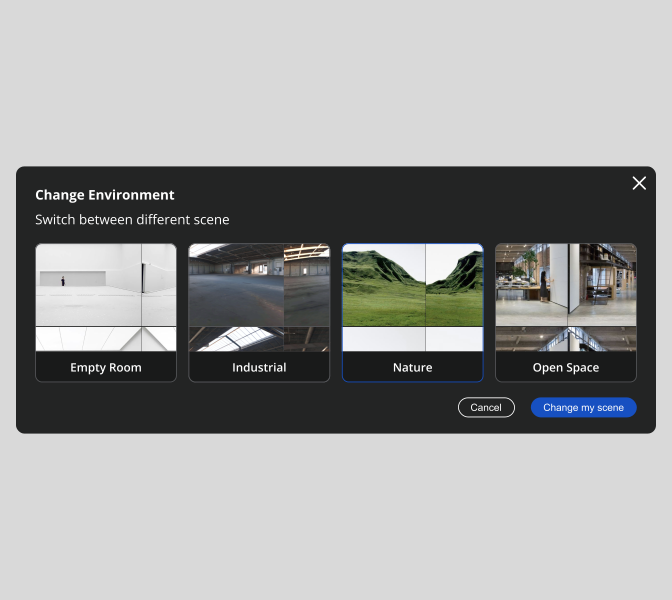
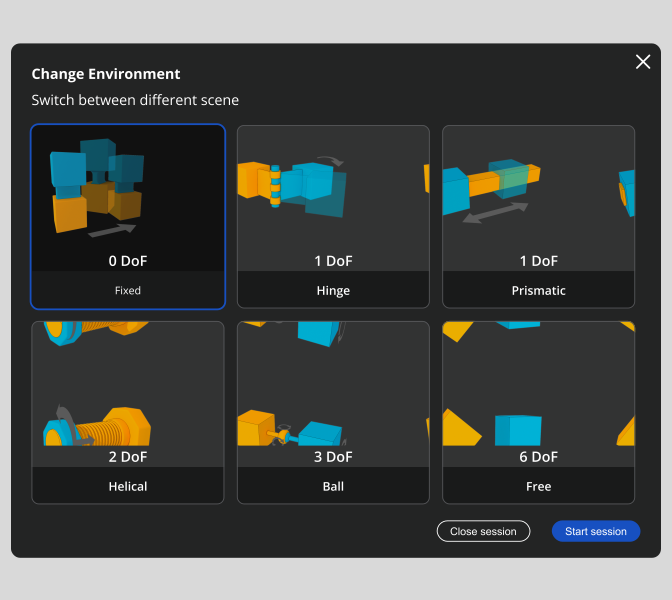
As part of this project, I led a complete redesign of the XRTWIN interface, a software tailored for engineers in the automotive and industrial sectors, as well as automation specialists.

My primary goal was to address the diverse needs of these technical users by focusing on usability, clarity, and simplifying the visual hierarchy.


The new design enhances readability and optimizes navigation while aligning with the complex workflows of engineers.

My Role

UX UI Designer

Skills

Design system

Color System

Prototyping

User Research

Client

LS Group

Year

2025

Industry

Industrial Software

My Role

UX UI Designer

Skills

Design system

Color System

Prototyping

User Research

Client

LS Group

Year

2025

Industry

Industrial Software

How to design an intuitive and efficient interface that streamlines the workflows of engineers and specialists, with a completely new UI ?

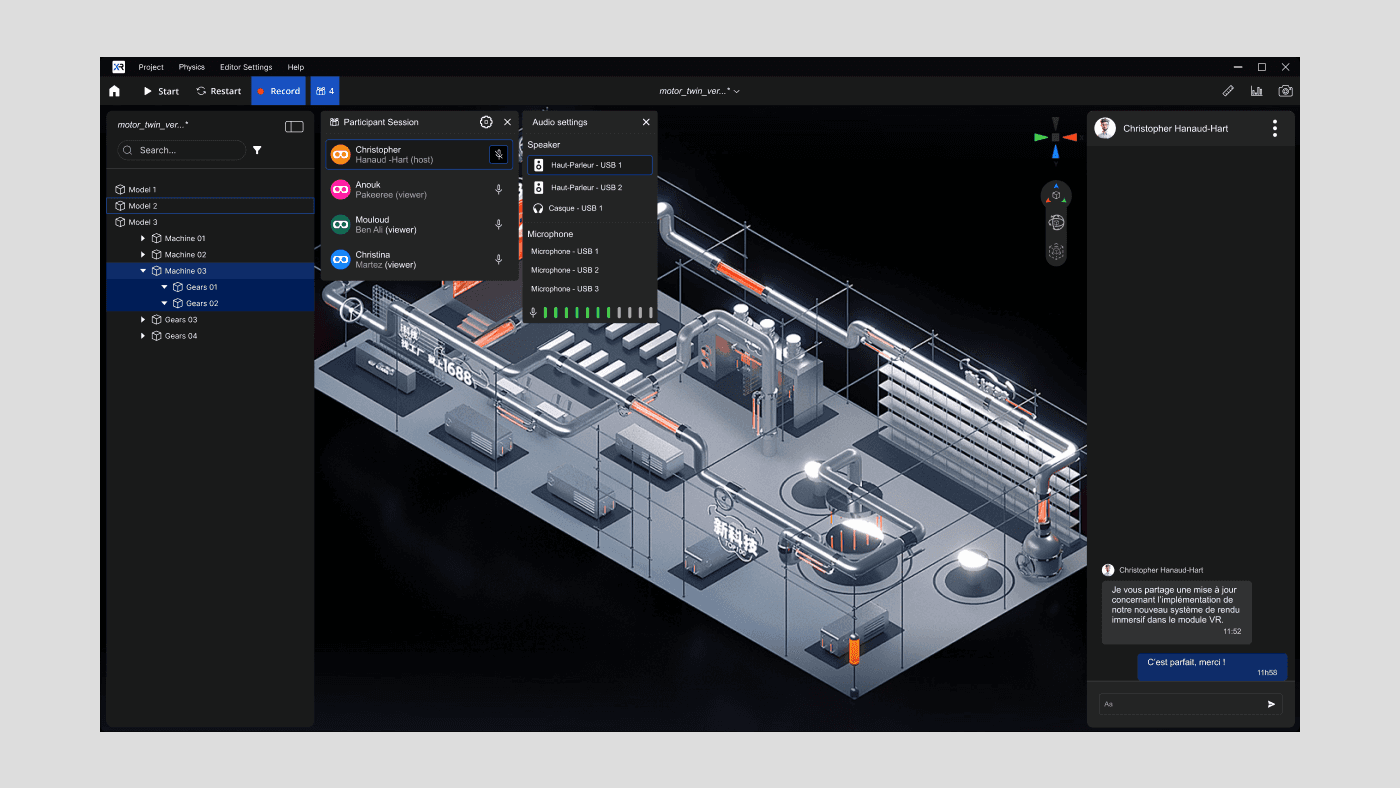
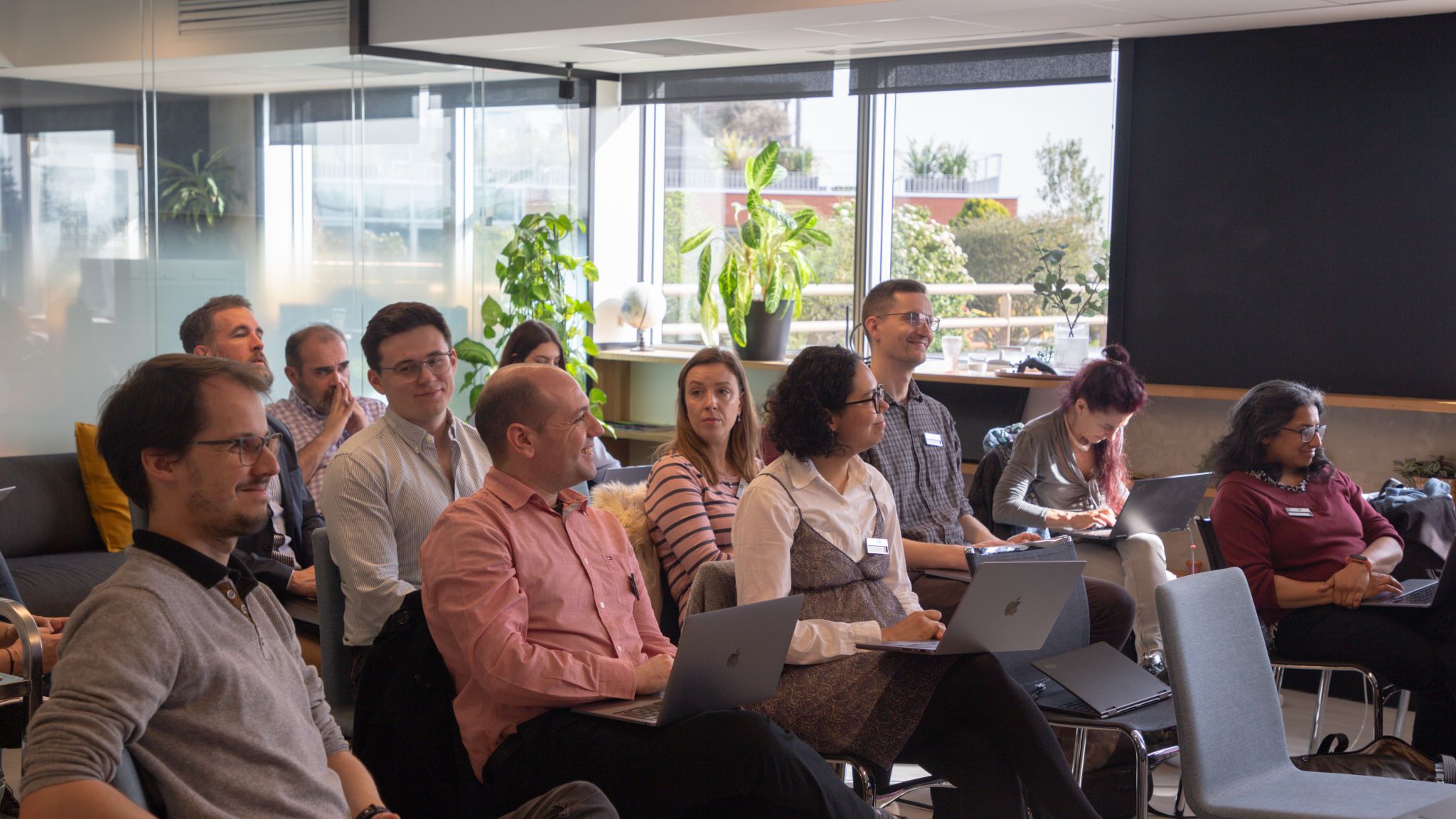
XRTWIN users during a group session

Constraints

Constraints

Summary of the software’s existing issues

Summary of the software’s existing issues

Tool designed around features, not users

The software is organized by features, not users’ workflows, revealing a gap between designers’ and users’ mental models and justifying a task-focused UX reorganization.

Barrier for new users

The interface’s complexity demands high cognitive effort, highlighting the need for a progressive experience that eases adoption while maintaining functionality.

A premium product undermined by its visual execution

Poor visual hierarchy reduces readability, slows decisions, and weakens brand identity, warranting improvements in contrast, prioritization, and branding.

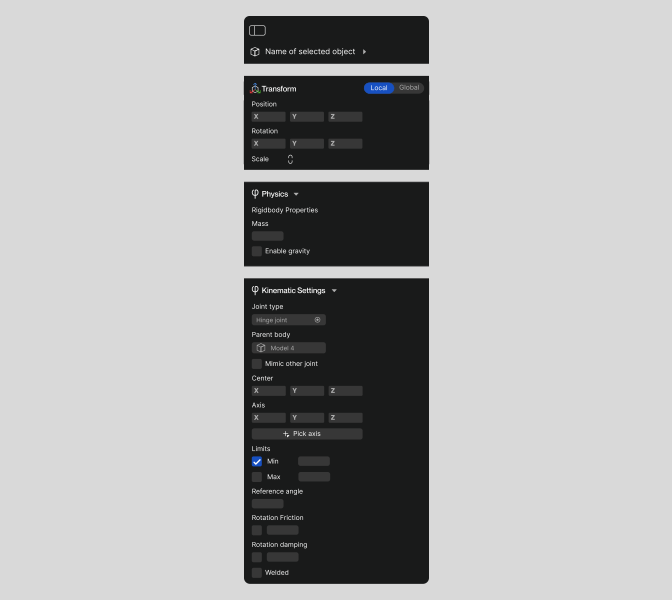
Before (left) and after my design rework (right)
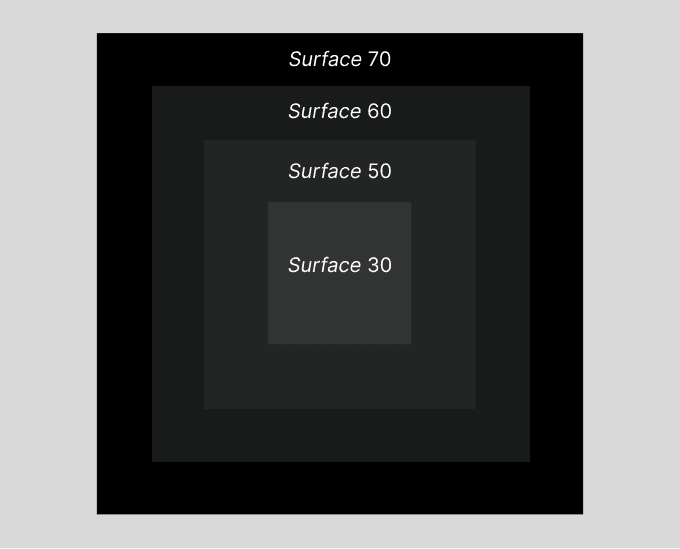
Layering model

Layering model

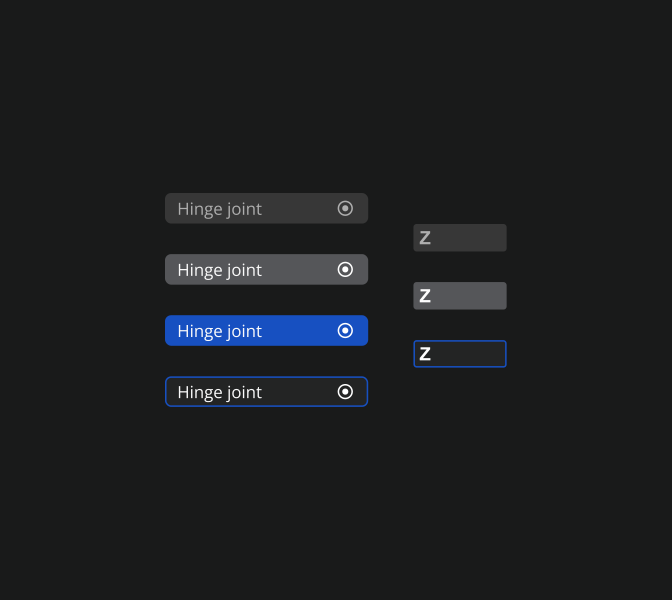
Surface hierarchy is defined through subtle variations within the neutral gray palette.

Each shade represents a distinct layer, creating depth and clear spatial relationships across the interface.

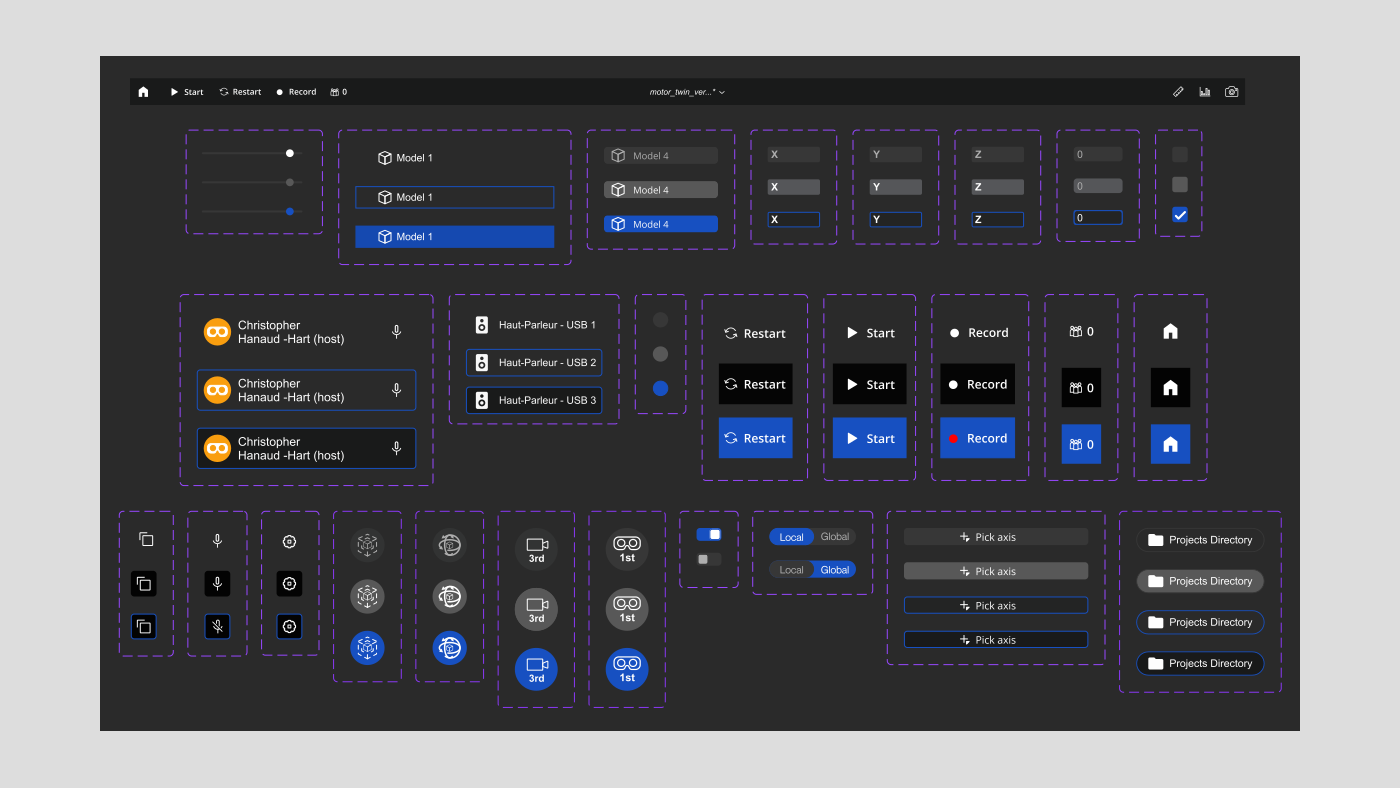
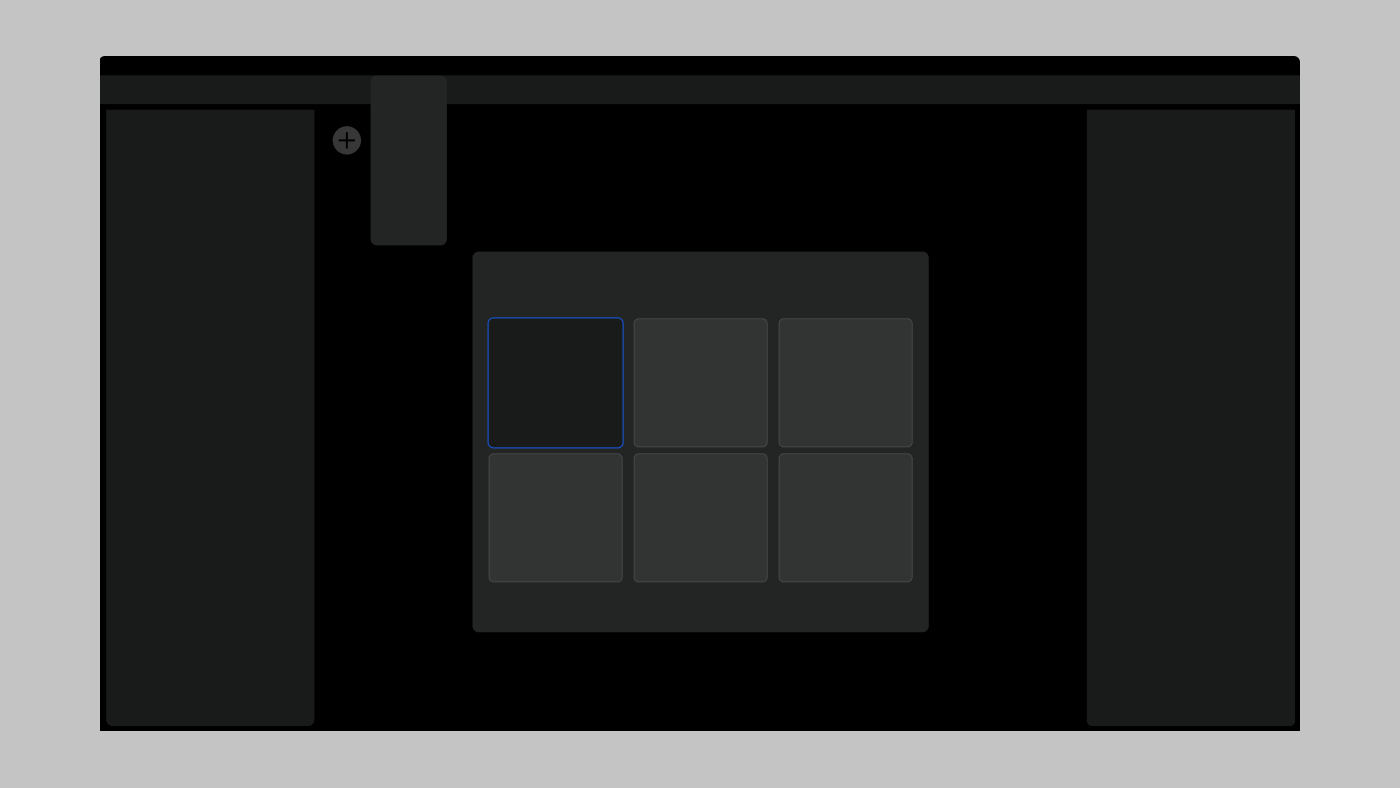
To improve readability and hierarchy in a low-light interface, I reworked the background system using four distinct gray levels on a black base.


This limited palette allowed precise control over visual emphasis:

Primary actions stand out through strong contrast


Secondary information remains visible without competing for attention

Subtle shadows were introduced to create just enough depth to separate layers, reinforcing structure without adding visual noise.

Four shades were used to create visual elevation across UI elements.
Accessibility in the Design System

Accessibility in the Design System

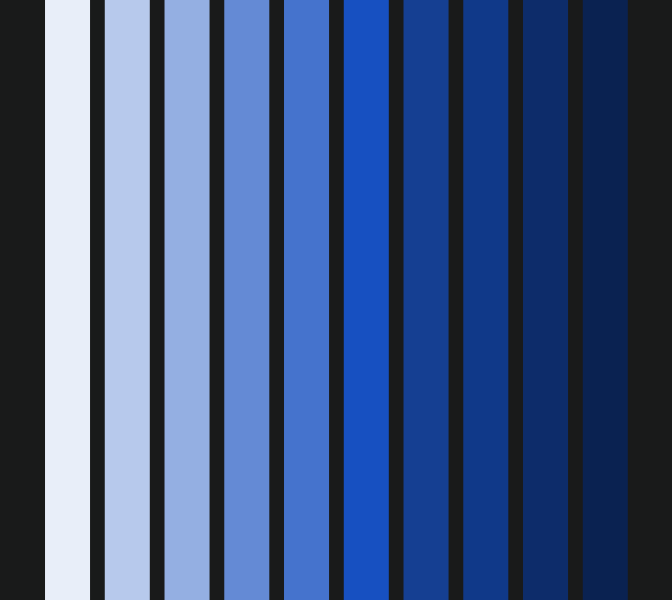
As part of my design projects, I worked on integrating accessibility into a design system, with a particular focus on optimizing the color system.

My goal was to create an inclusive user experience that complies with accessibility standards (WCAG) and meets the diverse needs of users.

As part of my design projects, I worked on integrating accessibility into a design system, with a particular focus on optimizing the color system.

My goal was to create an inclusive user experience that complies with accessibility standards (WCAG) and meets the diverse needs of users.

Create a free website with Framer, the website builder loved by startups, designers and agencies.