XR Twin is a standalone software designed for industrial simulation using virtual reality. It allows users to visualize and interact with 3D/CAO models and point clouds in VR.
XR Twin is a standalone software designed for industrial simulation using virtual reality.
It allows users to visualize and interact with 3D/CAO models and point clouds in VR.
■ About the project
As part of this project, I led a complete redesign of the XRTWIN interface, a software tailored for engineers in the automotive and industrial sectors, as well as automation specialists.
My primary goal was to address the diverse needs of these technical users by focusing on usability, clarity, and simplifying the visual hierarchy.
The new design enhances readability and optimizes navigation while aligning with the complex workflows of engineers.
Clients who use XR TWIN
Renault
Automotive
Airbus
Aerospace
L'Oreal
Beauty tech
SEW USOCOME
Industrial automation
Business Impact
what my work changed
60%
Reduction in support-related operational costs
The redesign contributed to a reduction in support load, lowering operational costs and freeing expert resources.
80%
+20% Higher workflow success for new users
Among new users, successful completion of core engineering workflows rose from ~40% to 80%+, boosting onboarding and early adoption.
"It finally feels like a tool you want to work with."
Improvement in brand perception.
After the redesign, all users reported a significantly stronger brand perception, aligning the interface with professionalism, reliability, and technical expertise.
My Role
UX UI Designer
Skills
Design system
Color System
Prototyping
User Research
Client
LS Group
Year
2025
Industry
Industrial Software
How to design an intuitive and efficient interface that streamlines the workflows of engineers and specialists, with a completely new UI ?
How to design an intuitive and efficient interface that streamlines the workflows of engineers and specialists, with a completely new UI ?
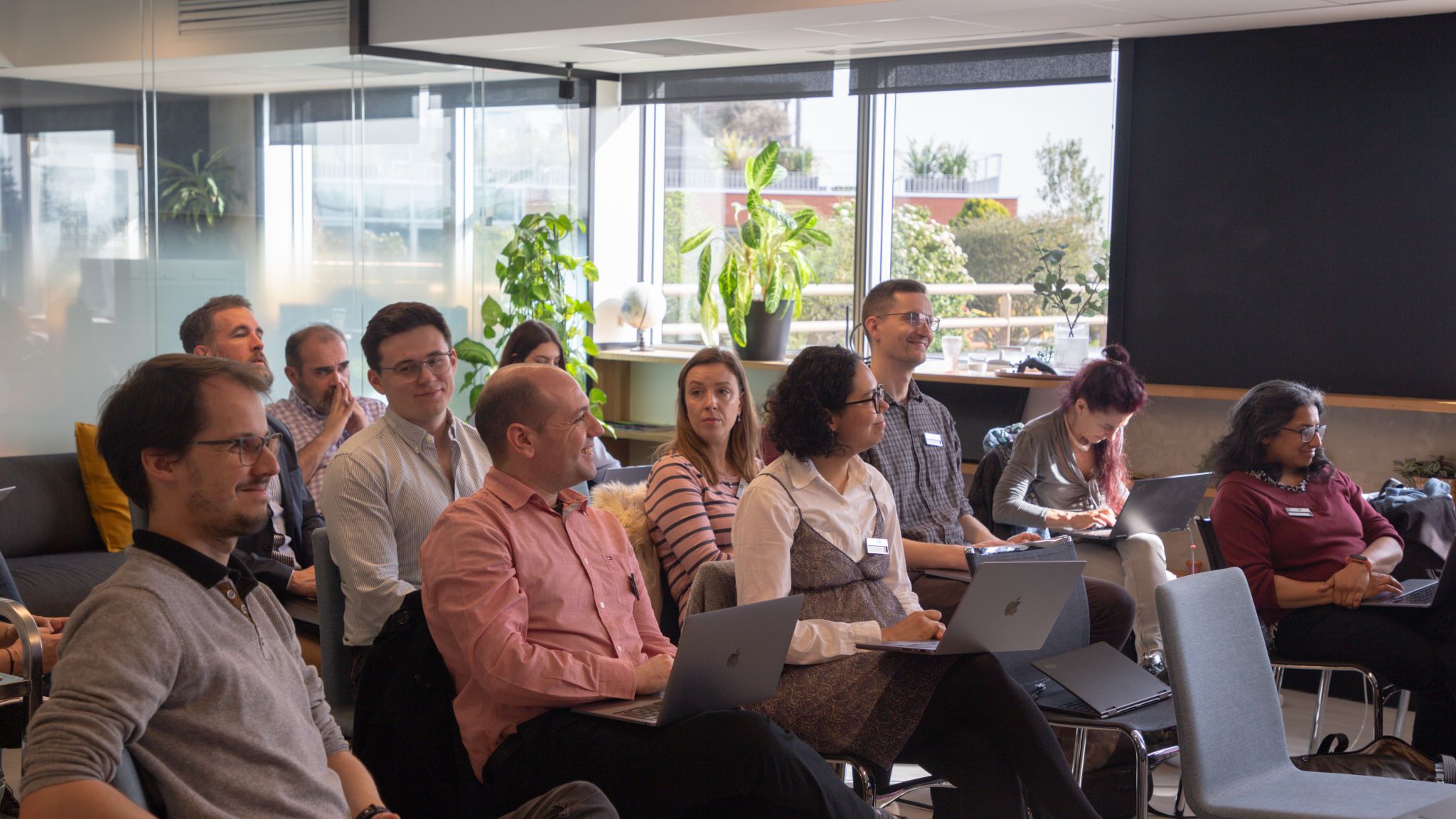
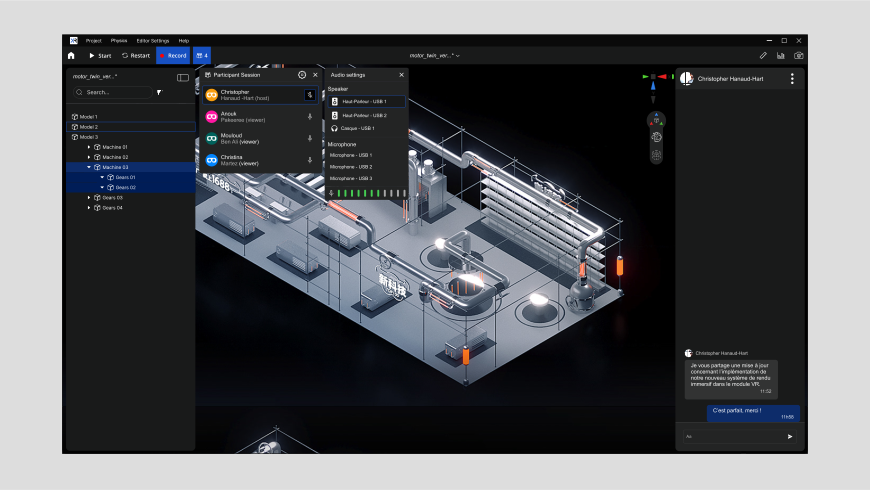
XRTWIN users during a group session
*XRTWIN user during a group session
Constraints
Constraints
Constraints
Summary of the software’s existing issues
Summary of the software’s existing issues
Tool designed around features, not users
The software is organized by features, not users’ workflows, revealing a gap between designers’ and users’ mental models and justifying a task-focused UX reorganization.
Barrier for new users
The interface’s complexity demands high cognitive effort, highlighting the need for a progressive experience that eases adoption while maintaining functionality.
A premium product undermined by its visual execution
Poor visual hierarchy reduces readability, slows decisions, and weakens brand identity, warranting improvements in contrast, prioritization, and branding.
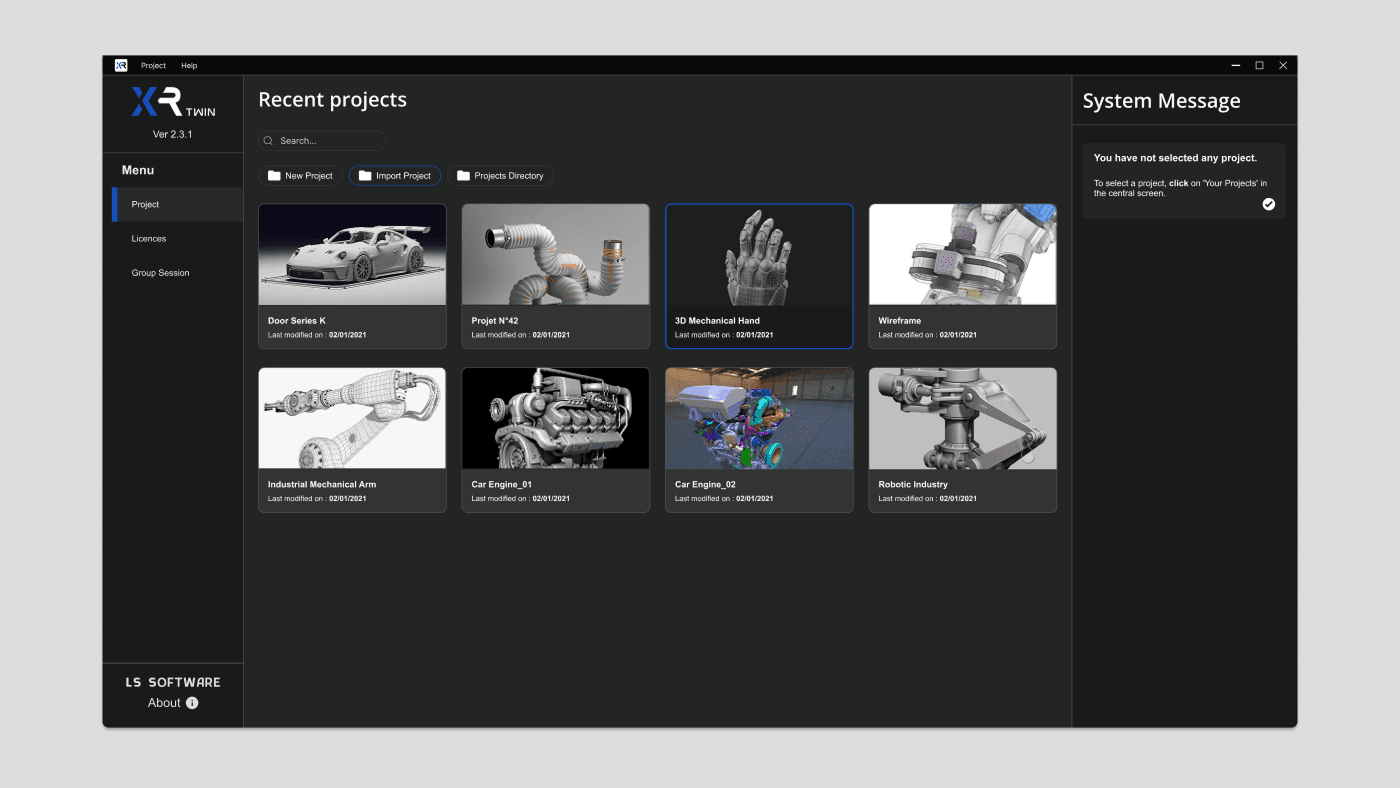
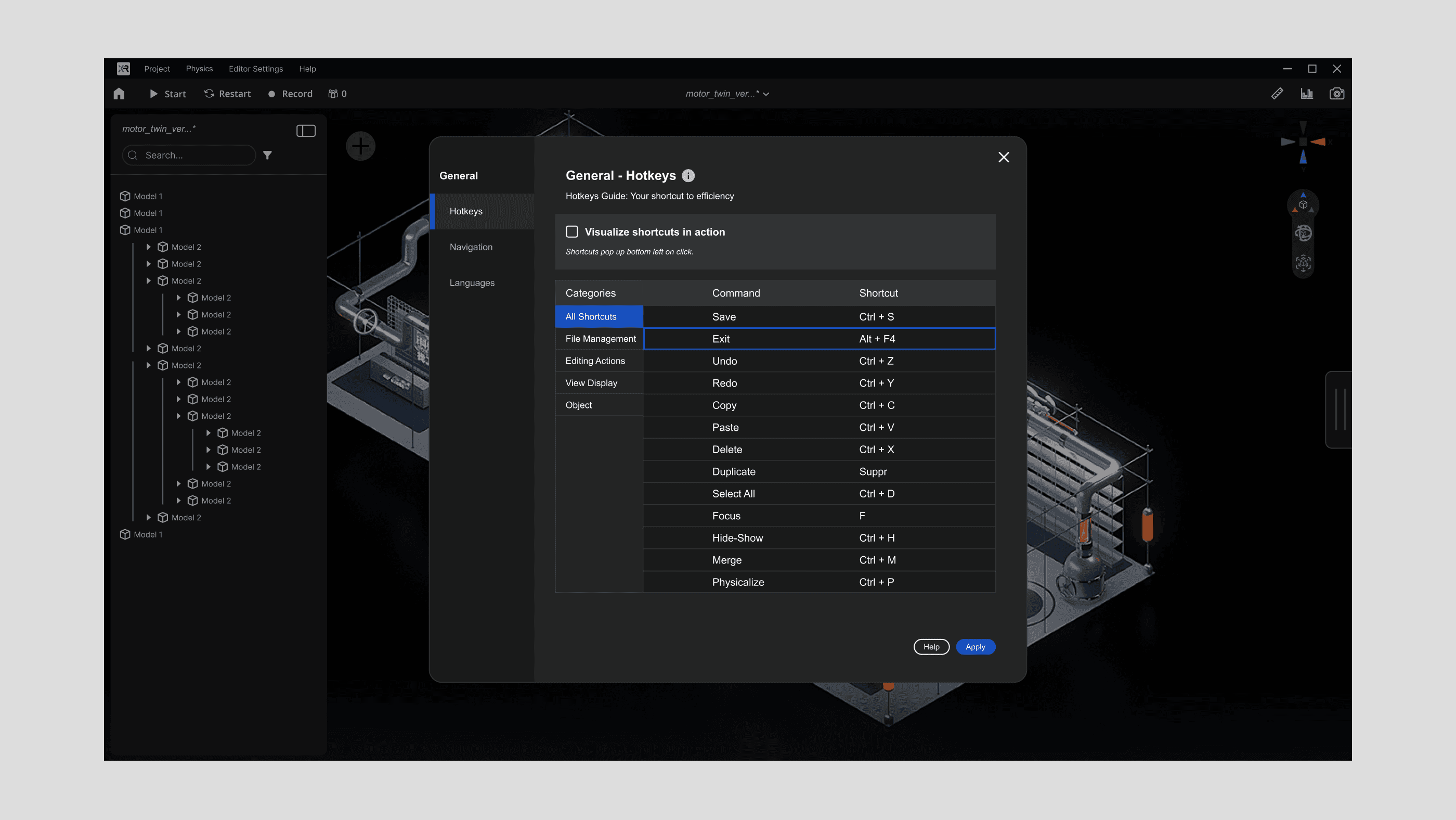
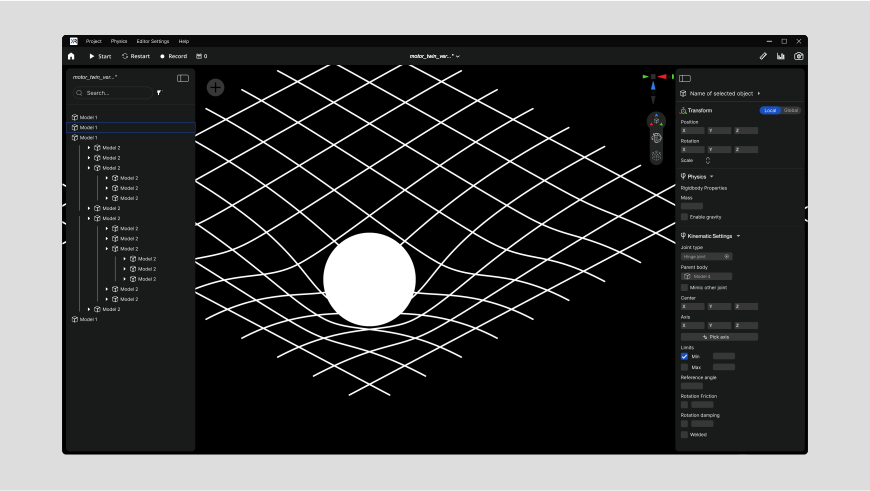
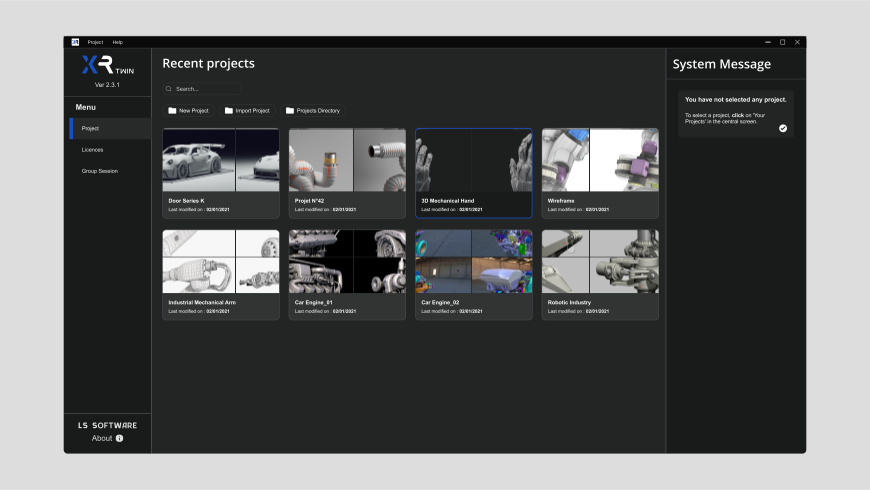
Before (left) and after my design rework (right)
*XRTWIN user during a group session
Before (left) and after my design rework (right)
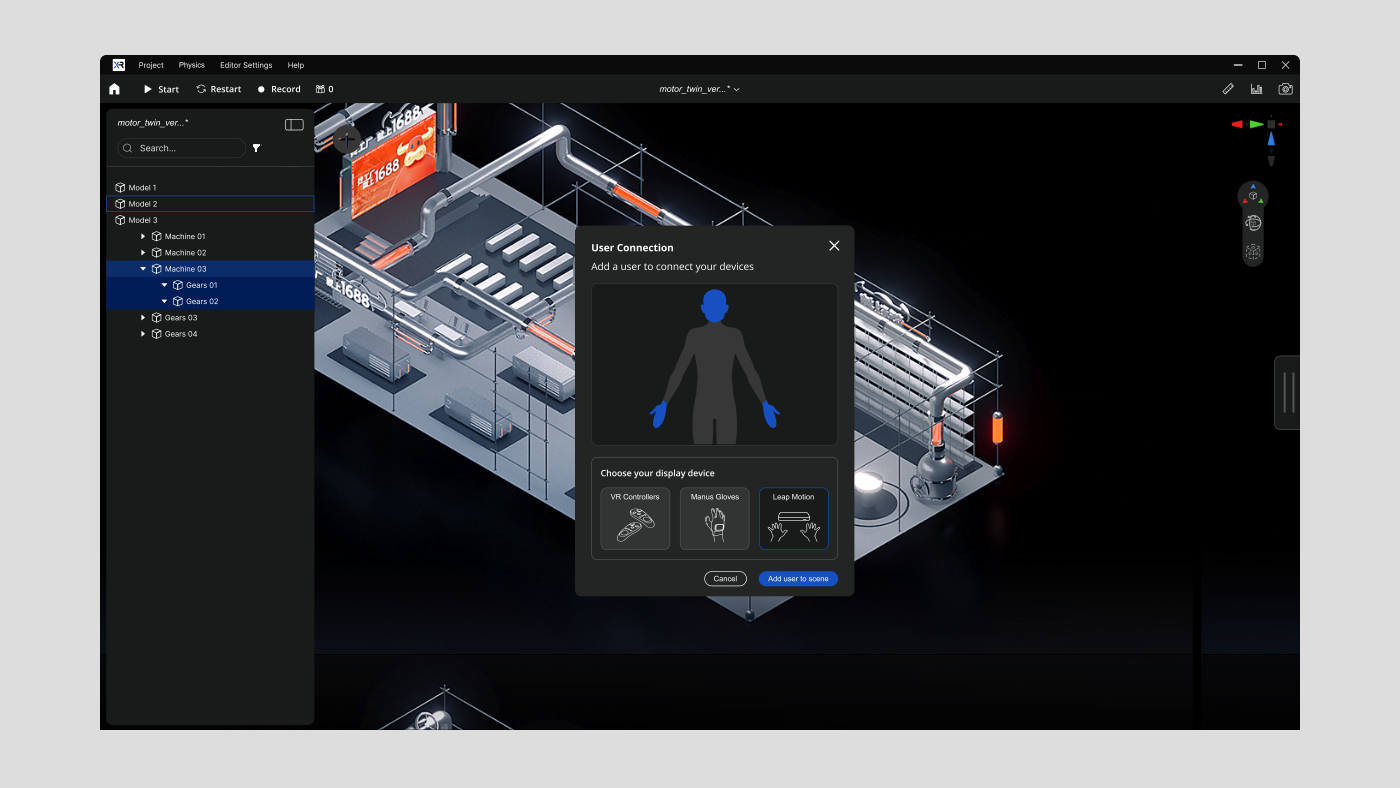
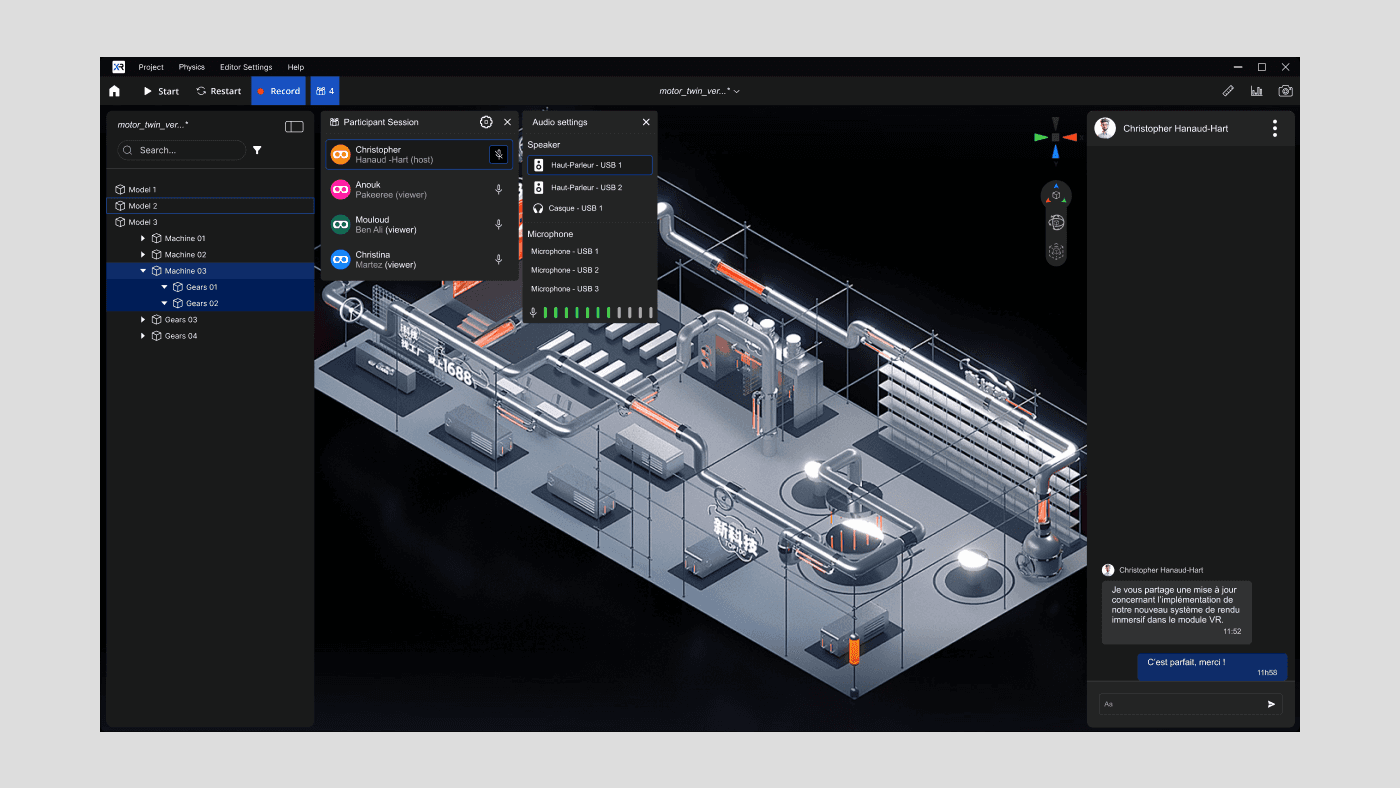
Layering model
Layering model
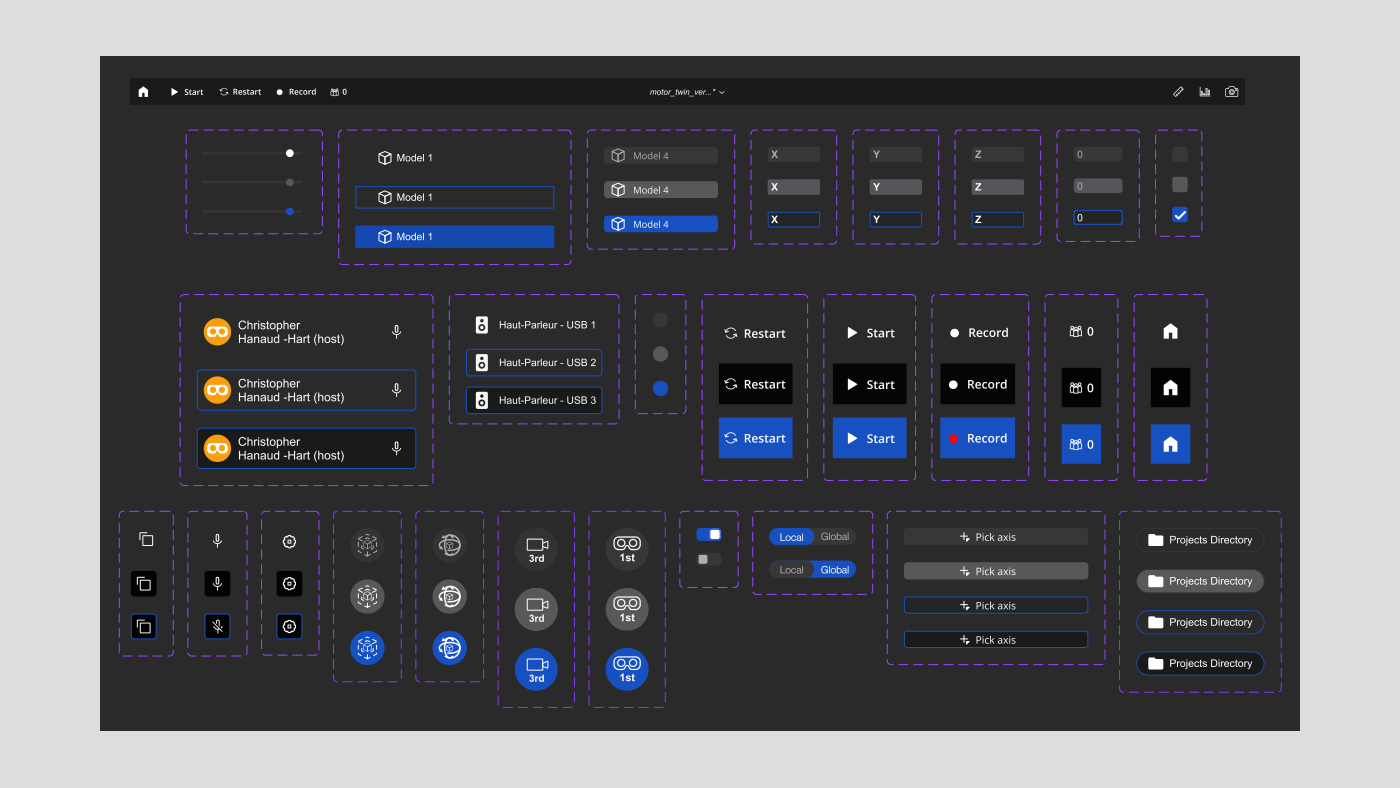
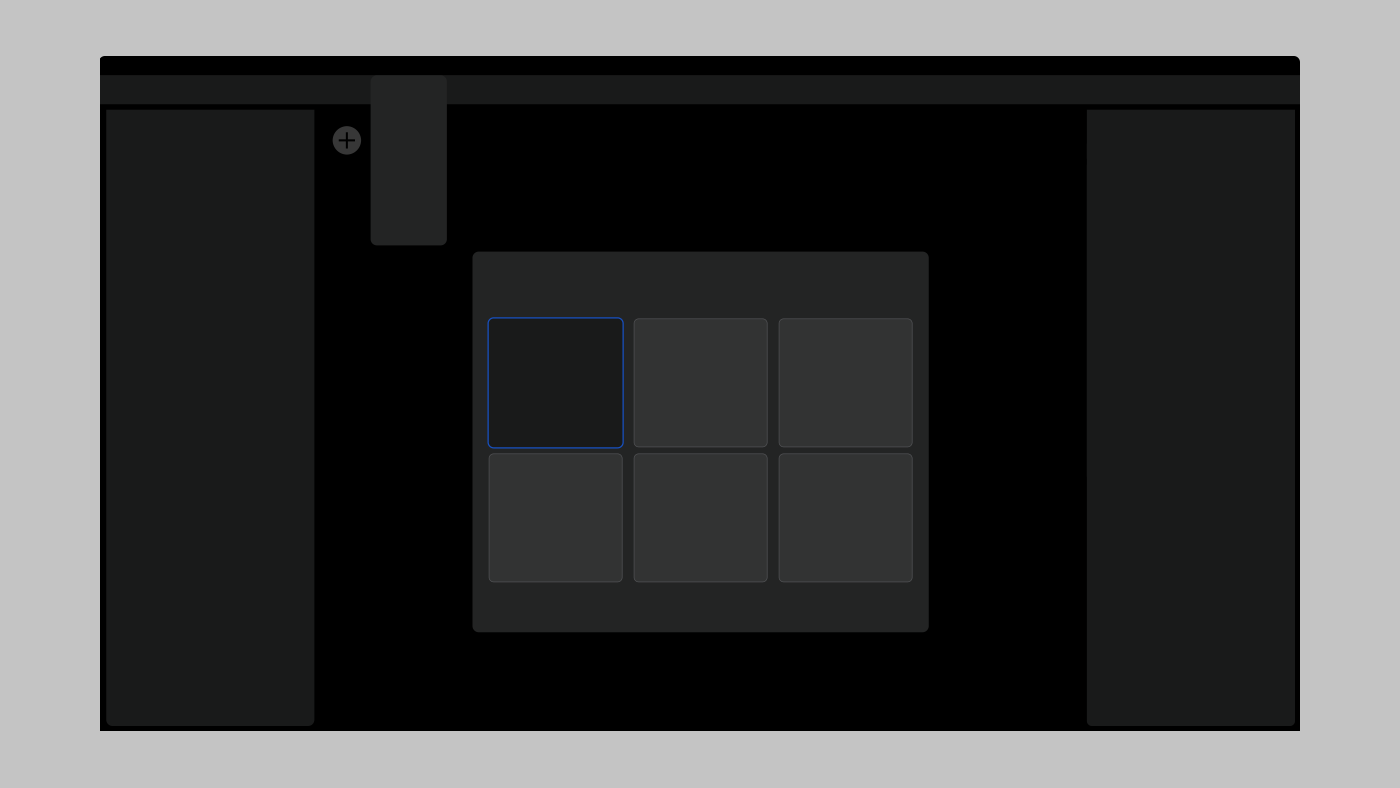
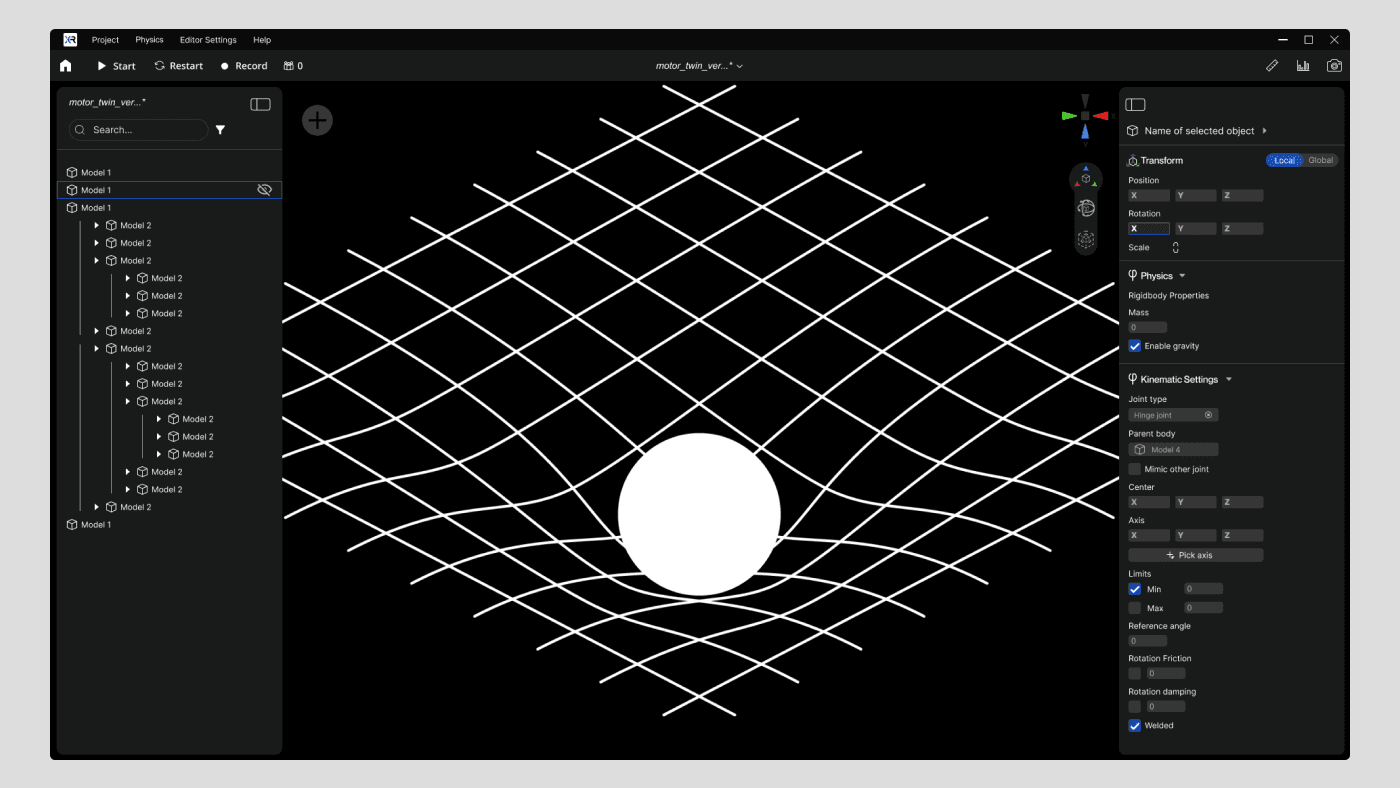
Surface hierarchy is defined through subtle variations within the neutral gray palette.
Each shade represents a distinct layer, creating depth and clear spatial relationships across the interface.
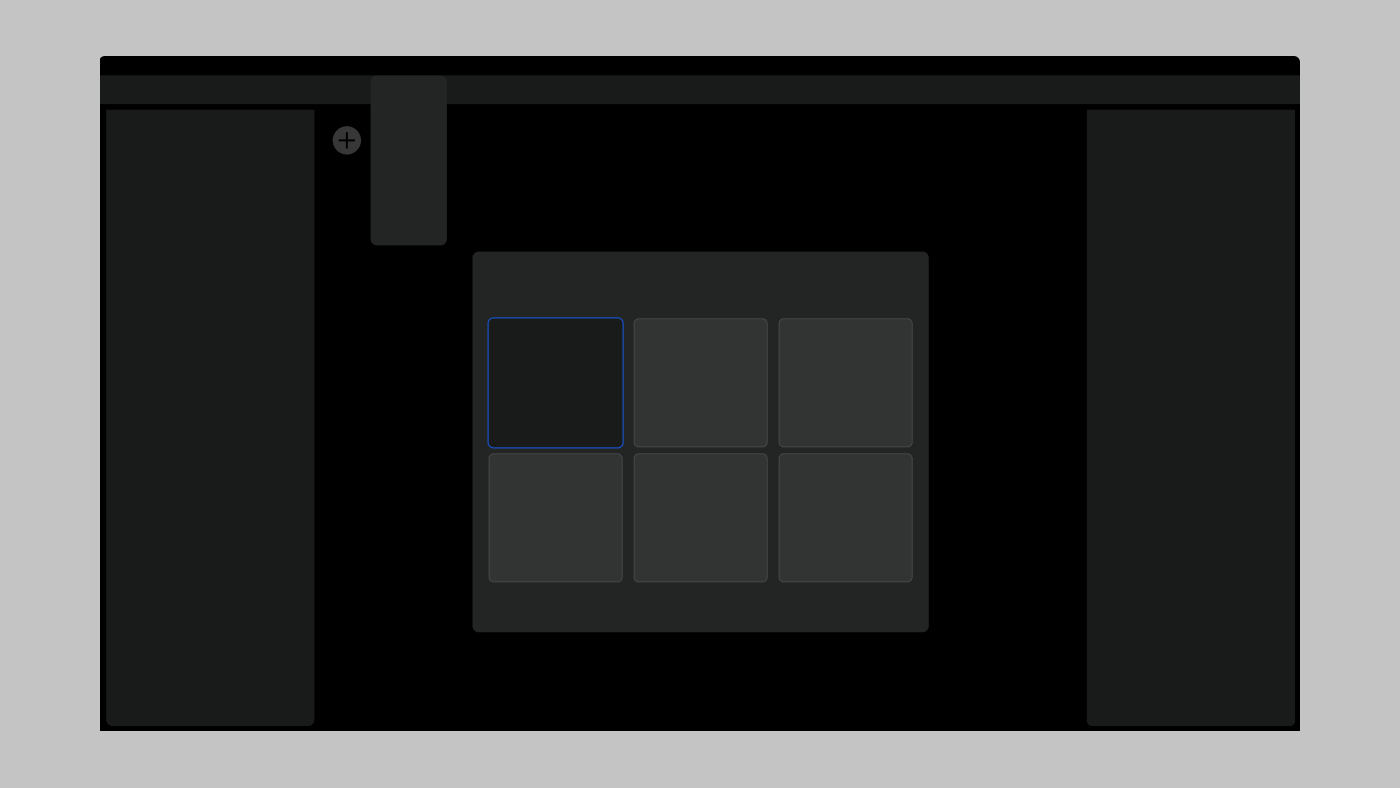
To improve readability and hierarchy in a low-light interface, I reworked the background system using four distinct gray levels on a black base.
This limited palette allowed precise control over visual emphasis:
Primary actions stand out through strong contrast
Secondary information remains visible without competing for attention
Subtle shadows were introduced to create just enough depth to separate layers, reinforcing structure without adding visual noise.
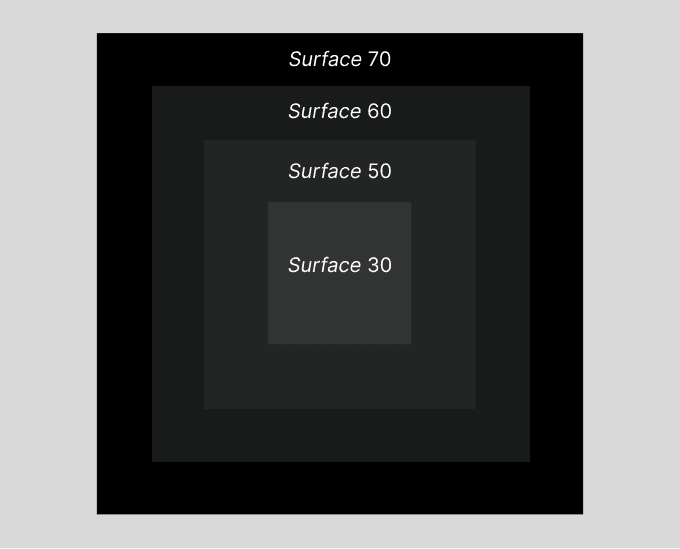
Four shades were used to create visual elevation across UI elements.
Accessibility in the Design System
Accessibility in the Design System
Accessibility in the Design System
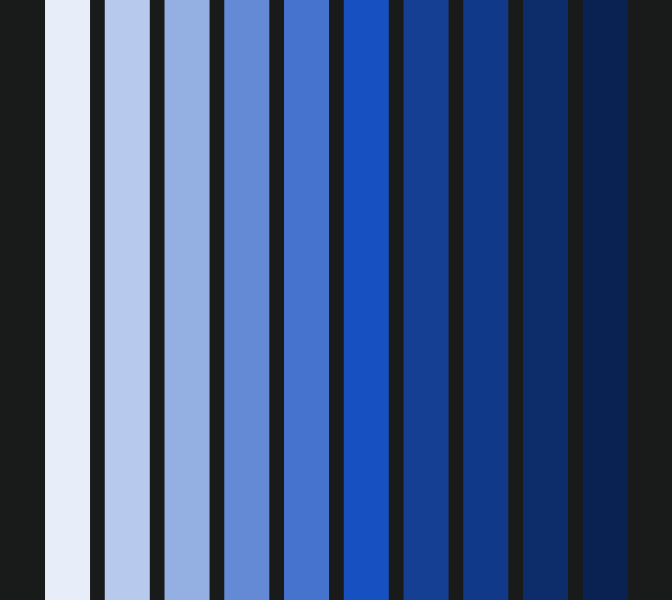
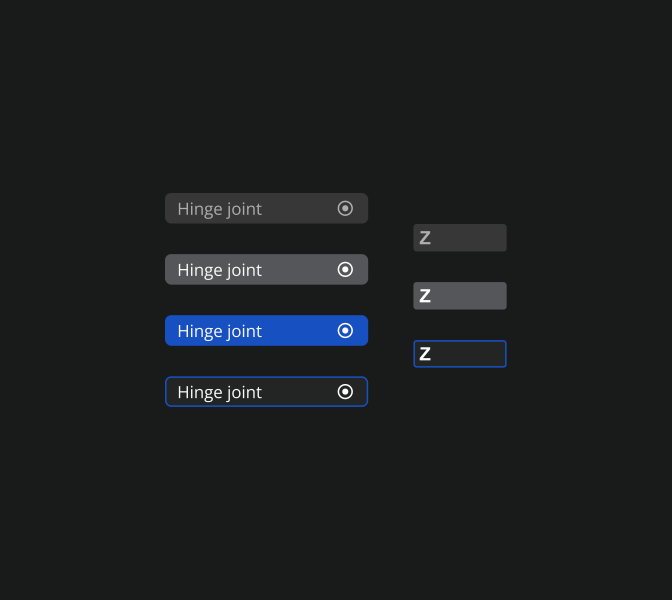
As part of my design projects, I worked on integrating accessibility into a design system, with a particular focus on optimizing the color system.
My goal was to create an inclusive user experience that complies with accessibility standards (WCAG) and meets the diverse needs of users.
As part of my design projects, I worked on integrating accessibility into a design system, with a particular focus on optimizing the color system.
My goal was to create an inclusive user experience that complies with accessibility standards (WCAG) and meets the diverse needs of users.
As part of my design projects, I worked on integrating accessibility into a design system, with a particular focus on optimizing the color system.
My goal was to create an inclusive user experience that complies with accessibility standards (WCAG) and meets the diverse needs of users.
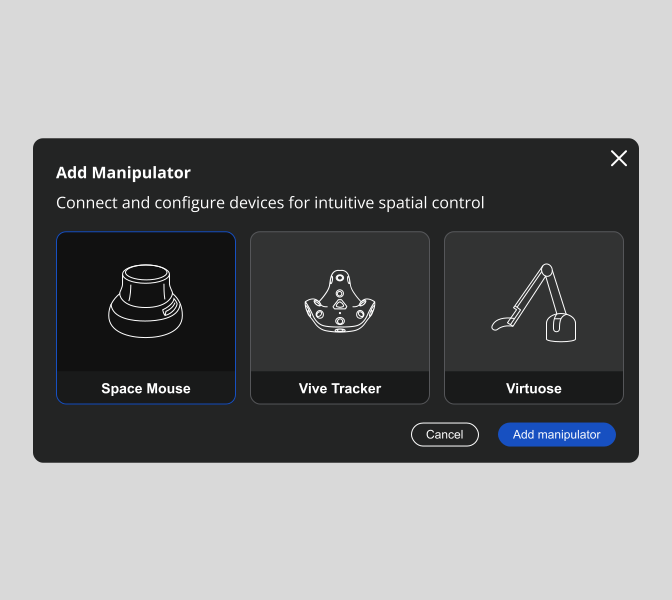
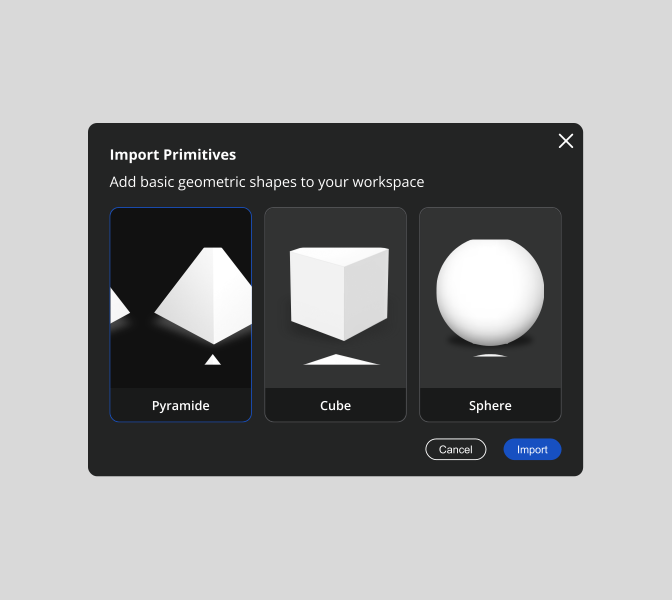
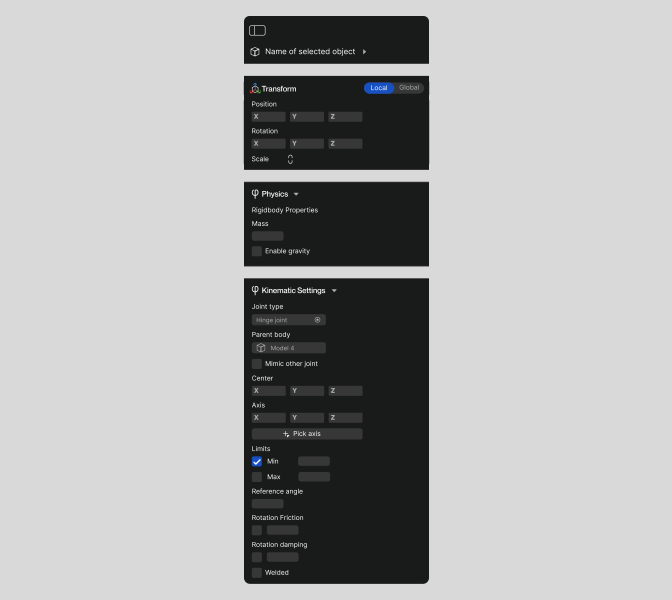
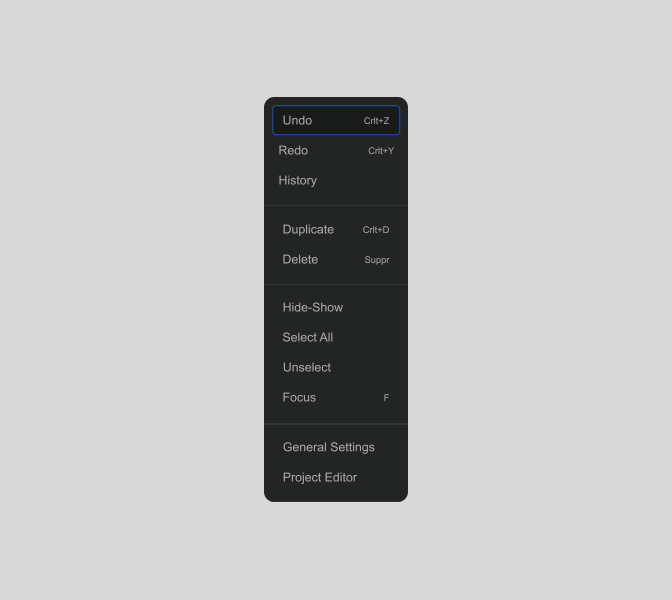
XR Twin is a standalone software designed for industrial simulation using virtual reality.
It allows users to visualize and interact with 3D/CAO models and point clouds in VR.
As part of this project, I led a complete redesign of the XRTWIN interface, a software tailored for engineers in the automotive and industrial sectors, as well as automation specialists.
My primary goal was to address the diverse needs of these technical users by focusing on usability, clarity, and simplifying the visual hierarchy.
The new design enhances readability and optimizes navigation while aligning with the complex workflows of engineers.
[ Got questions, ideas, or just bored? Slide into my connections !]
Based in Paris
[ Dream it, do it, and pursue it ! ]
YOUDESIGN_Studio
As part of this project, I led a complete redesign of the XRTWIN interface, a software tailored for engineers in the automotive and industrial sectors, as well as automation specialists.
My primary goal was to address the diverse needs of these technical users by focusing on usability, clarity, and simplifying the visual hierarchy.
The new design enhances readability and optimizes navigation while aligning with the complex workflows of engineers.
■ Clients who use XR TWIN
Renault
Renault
Automotive
Automotive
Airbus
Airbus
Aerospace
Aerospace
L'Oreal
L'Oreal
Beauty tech
Beauty tech
SEW USOCOME
SEW USOCOME
Industrial automation
Business Impact
what my work changed
60%
Reduction in support-related operational costs.
The redesign contributed to a reduction in support load, lowering operational costs and freeing expert resources.
80%
+20% Higher workflow success for new users.
Among new users, successful completion of core engineering workflows rose from ~40% to 80%+, boosting onboarding and early adoption.
"It finally feels like a tool you want to work with."
Improvement in brand perception
After the redesign, all users reported a significantly stronger brand perception, aligning the interface with professionalism, reliability, and technical expertise.
Clients who use XR TWIN
Renault
Renault
Automotive
Automotive
Airbus
Airbus
Aerospace
L'Oreal
L'Oreal
Beauty tech
Beauty tech
SEW USOCOME
SEW USOCOME
Industrial automation
Industrial automation